How to set the display of charging information on your Samsung Galaxy device
You can enable charging information on your Samsung Galaxy device from the Display settings. Once enabled, your device will show the battery level and estimated charging time when connected to a charger.
Charging information may appear briefly or update automatically depending on charging conditions.
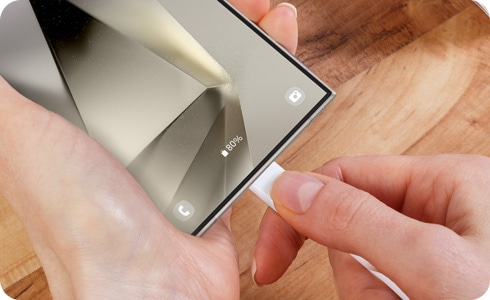
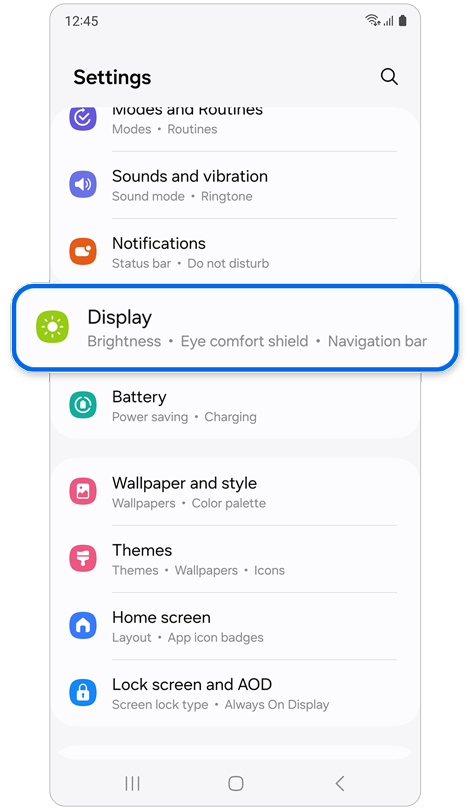
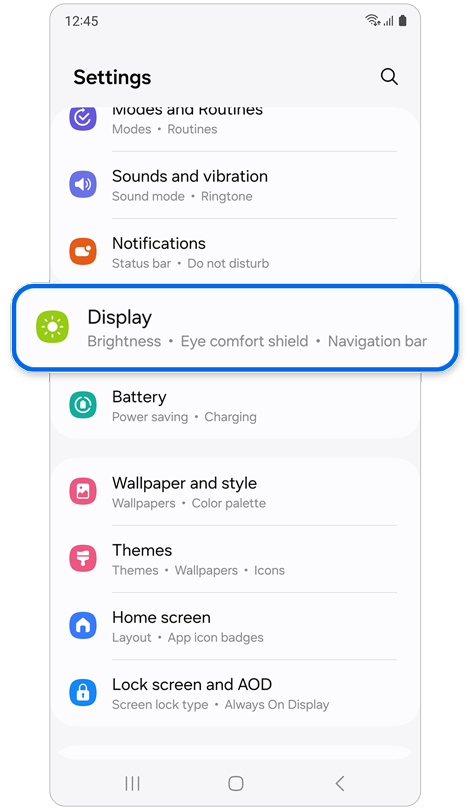
Step 1. Open Settings.
Tap Display.
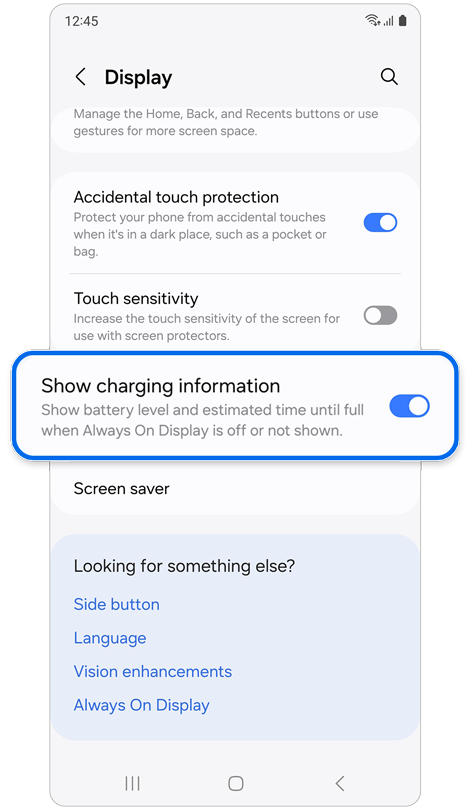
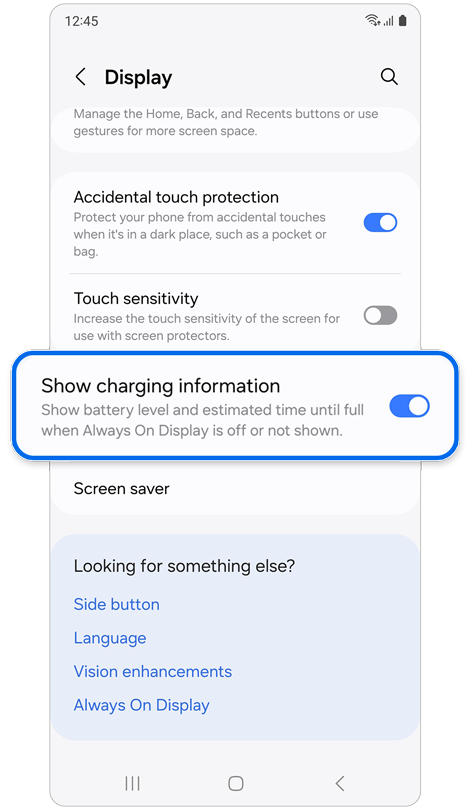
Step 2. Turn on Show charging information.
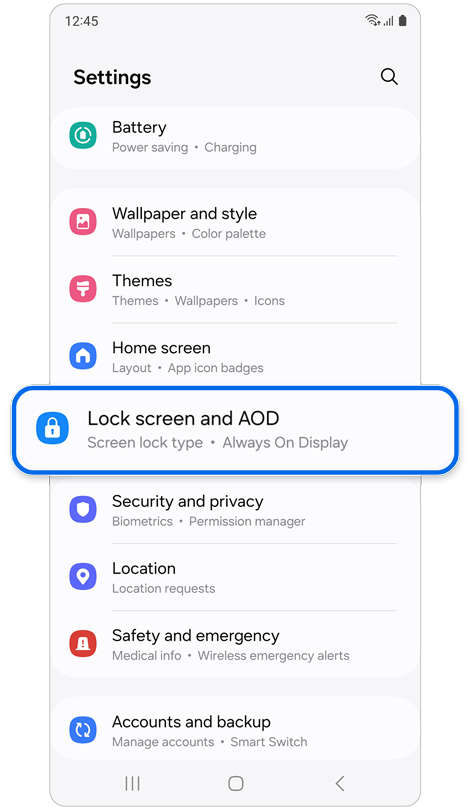
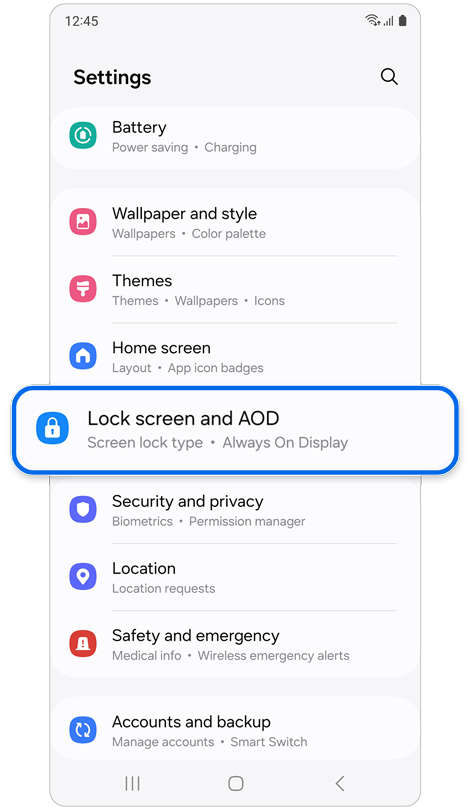
Step 1. Open Settings.
Tap Lock screen and AOD.
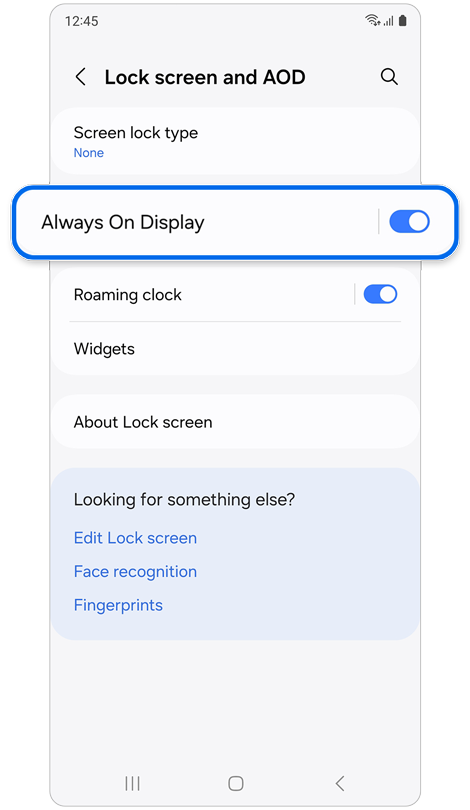
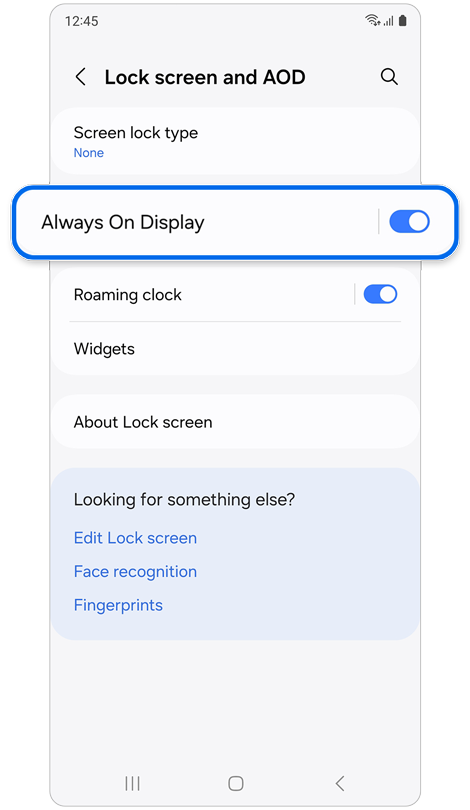
Step 2. Select Always On Display.
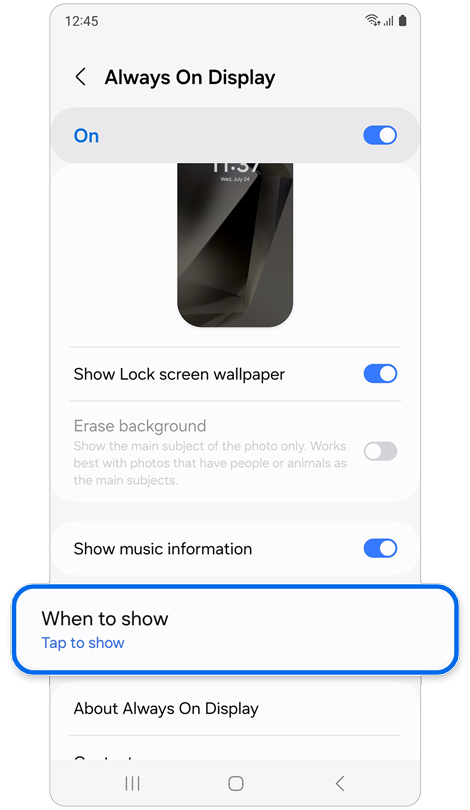
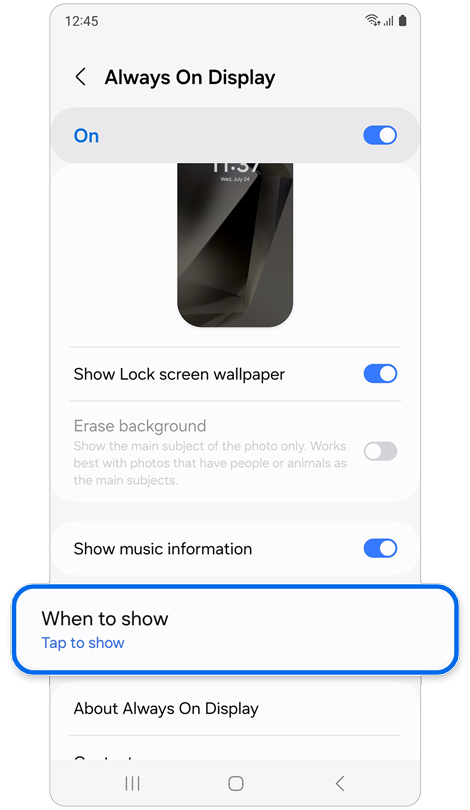
Step 3. Tap When to show.
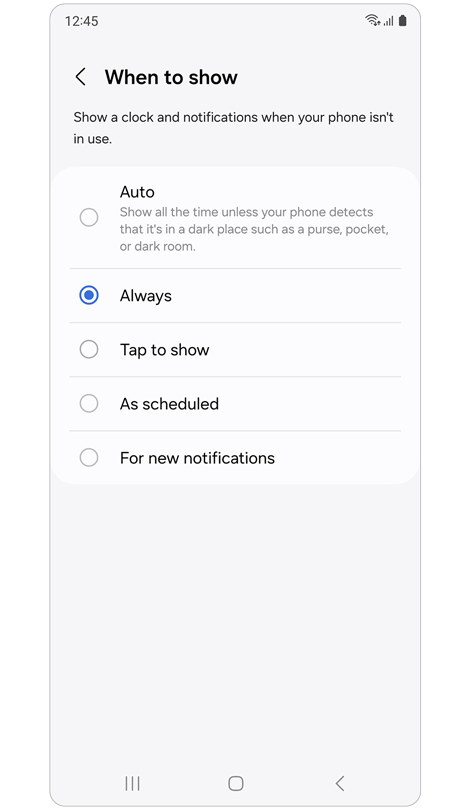
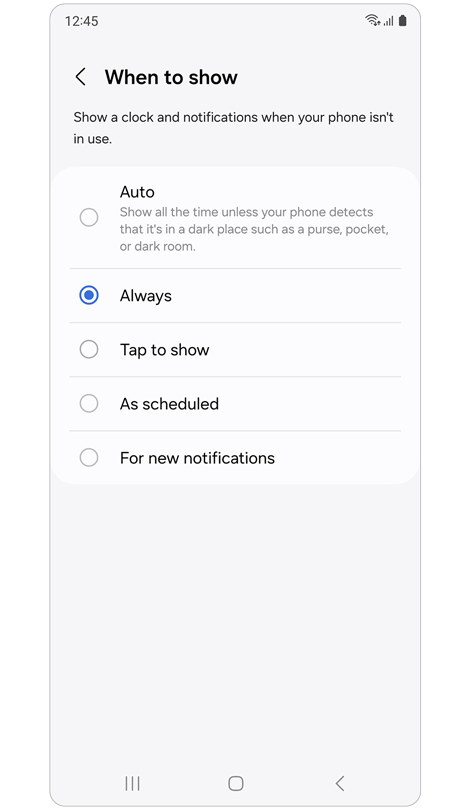
Step 4. Choose when you want the clock and notifications to appear.
- Charging details appear when you connect your device to a charger.
- The charging speed notification may show briefly, then update or disappear.
- Information may change depending on charging conditions.
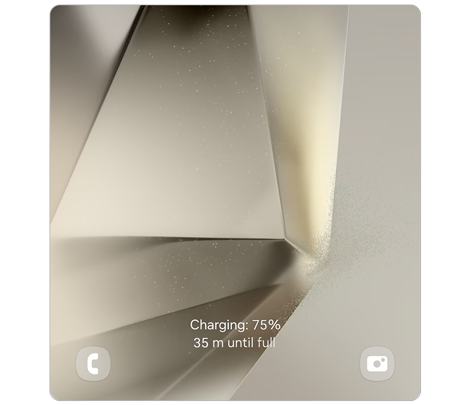
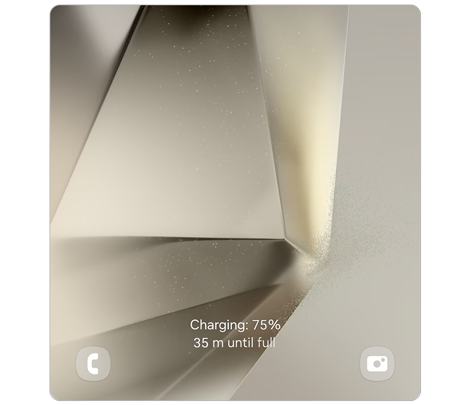
Lock screen: Right after connecting the charger
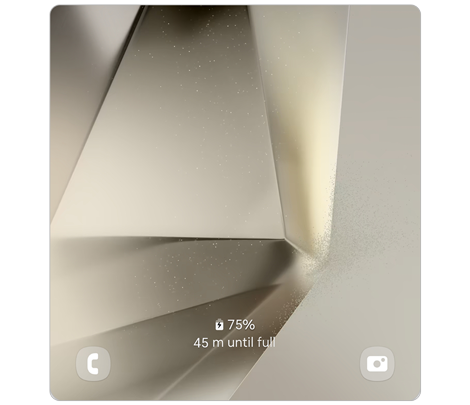
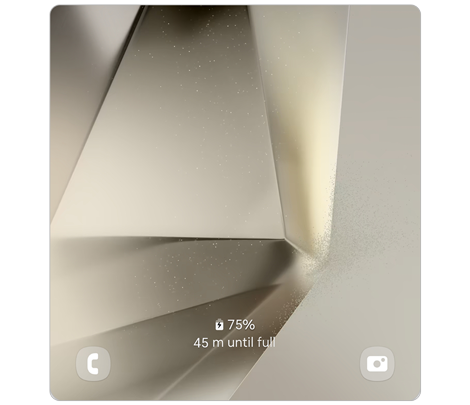
Lock screen: Seconds after connecting the charger
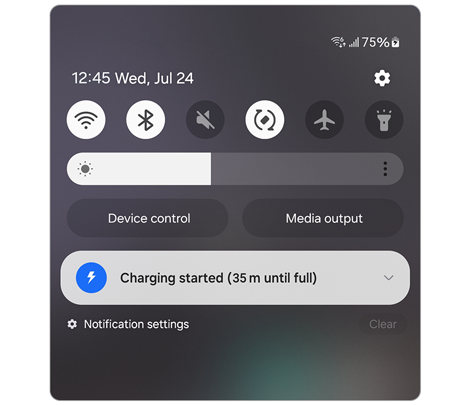
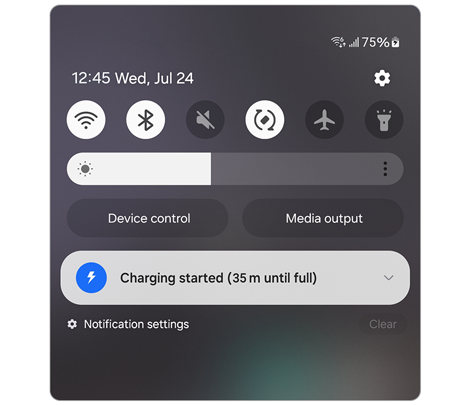
Quick panel: Right after connecting the charger
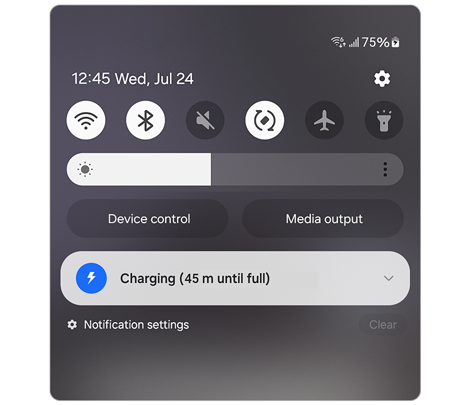
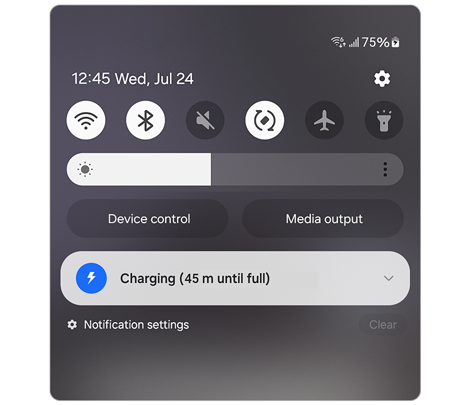
Quick panel: Seconds after connecting the charger
Important Notes
- Charging information on the lock screen appears for a limited time after full charge.
- Enabling Always On Display allows charging information to remain visible with the clock.
- Charging speed may vary depending on the charger and environment.
- Settings names may differ depending on device model and software version.
Thank you for your feedback!
Please answer all questions.