How to remove unwanted sound from videos using Audio eraser on your Galaxy
You can remove unwanted background sounds from videos on your Galaxy phone using the Audio eraser tool in the Gallery app. It lets you reduce noise like wind or crowd sounds while keeping voices and music clear.
Audio eraser analyses your video audio and allows you to adjust different sound types using simple sliders for cleaner results.

What is Audio eraser?
What is Audio eraser on Galaxy?
Audio eraser is a built-in tool in the Galaxy Video Editor that detects and separates different types of sounds in your video, such as:
- Voices
- Music
- Wind
- Crowd
- Nature sounds
- General noise
You can then increase or decrease each sound type instead of muting the entire audio.
How to remove unwanted sound using Audio eraser on Galaxy
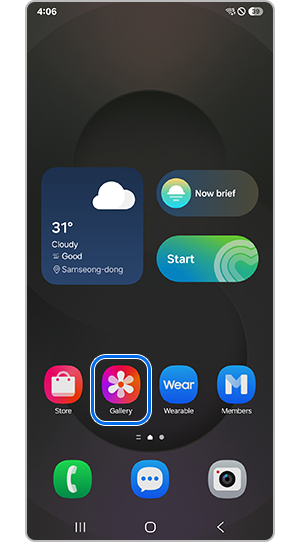
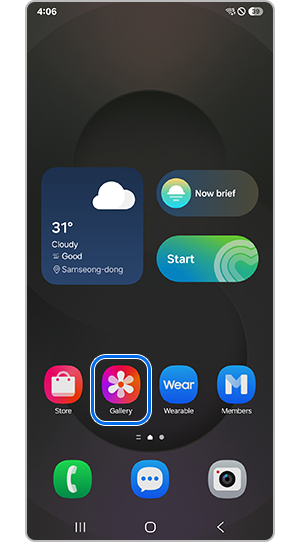
Step 1. Open the Gallery app and select the video you want to edit.
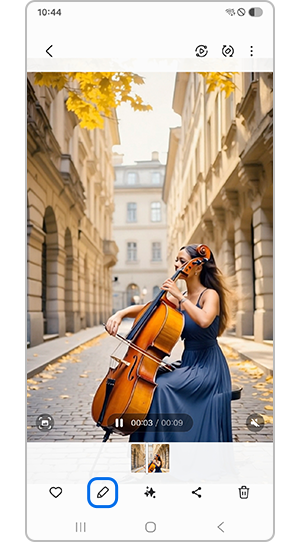
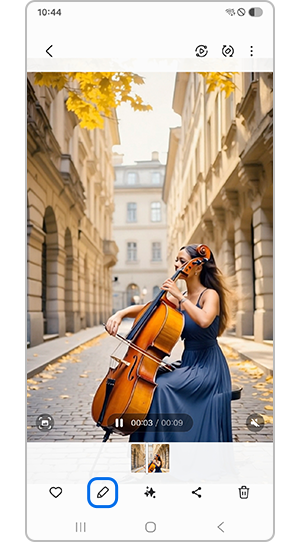
Step 2. Tap the Edit (pencil) icon.
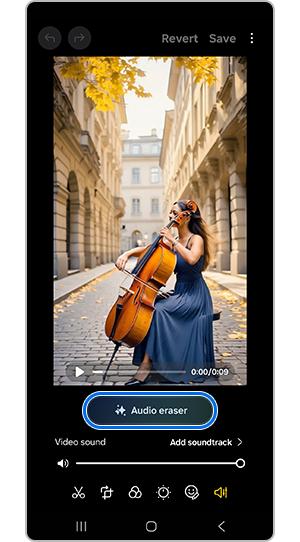
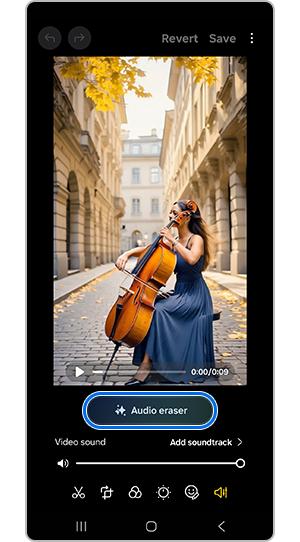
Step 3. Tap the Audio option, then select Audio eraser.
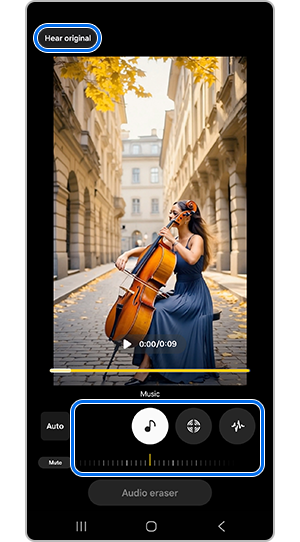
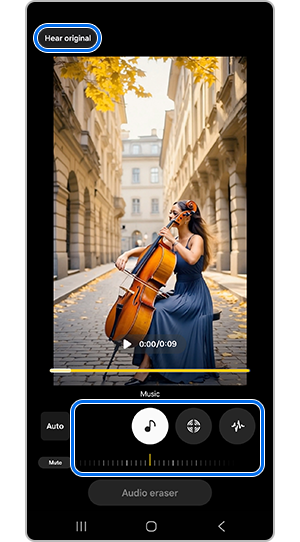
Step 4. Adjust each sound type using the sliders (e.g. reduce noise or wind).
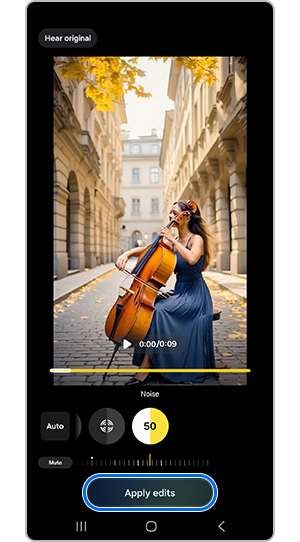
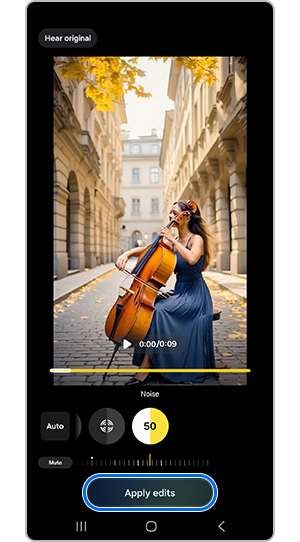
Step 5. Tap Apply edits when finished.


Step 6. Tap Save copy to export the edited video.
- Voices – people speaking
- Wind – air or wind noise
- Music – background music
- Nature – sounds like waves or birds
- Crowd – group noise such as cheering
- Noise – general background sounds
Additional details
- Tap Hear original to compare the original and edited audio.
- Select Auto to let Galaxy AI automatically reduce noise.
Notes:
- Available on Galaxy S and Z series starting from S24 with One UI 7.0 or later.
- Samsung account login is required.
- Results may vary depending on the video and audio quality.
- Sound detection may differ based on the environment.
- Feature availability may vary depending on region, device model, OS version, and carrier.
- Some AI features may be limited for minors in certain regions.
- Galaxy AI features are free until the end of 2025 on supported devices.
- Third-party AI features may have different terms.
Thank you for your feedback!
Please answer all questions.